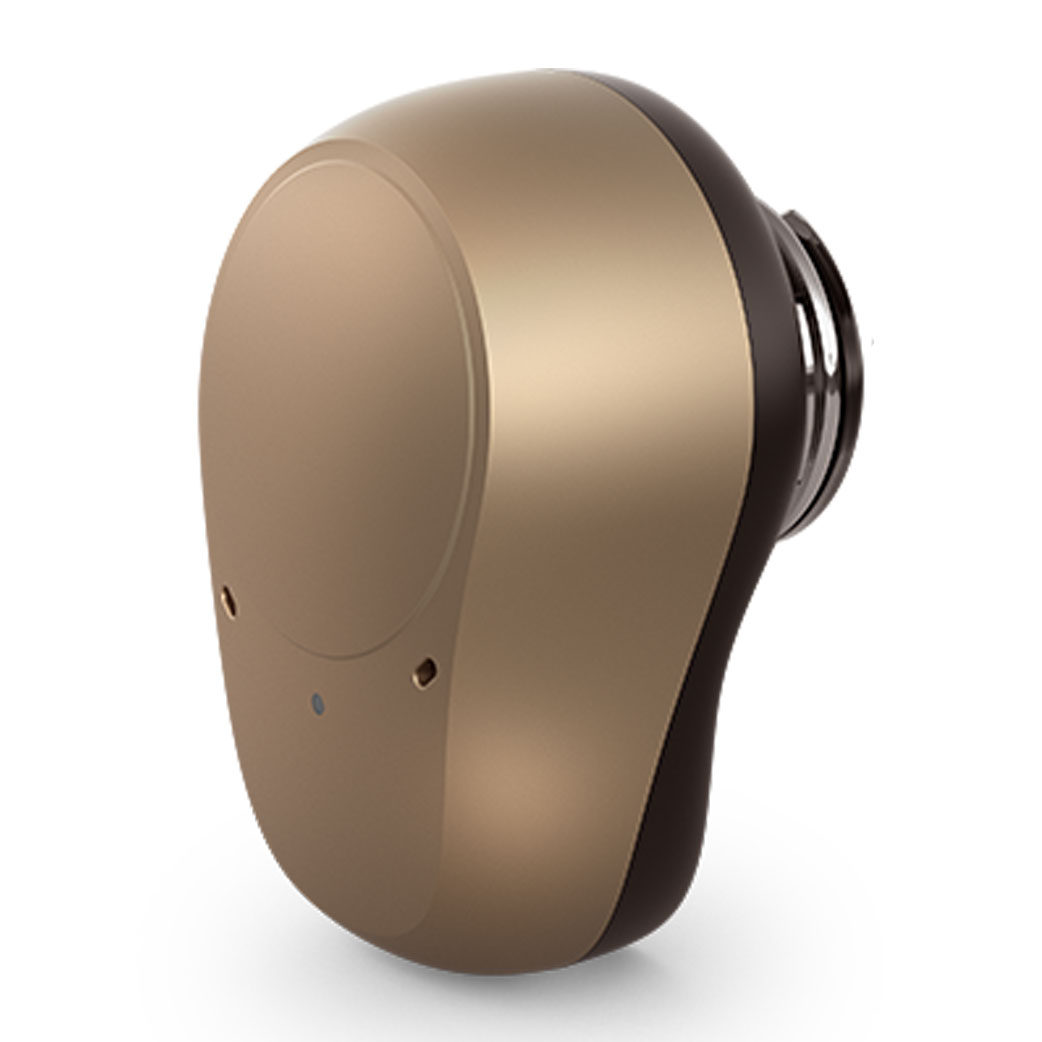
Oticon Medical Ponto 4 Bone Anchored Hearing Aid
| Here we show you some of the features available on your Oticon Medical Ponto 4 Bone Anchored Hearing Aid and with links to purchase spares and accessories ... | |
| If you have an Oticon Medical Ponto 4 Bone Anchored Hearing Aid Connevans recommends ... | |
| For listening to a TV: Oticon Opn TV adaptor 3.0 | |
| For listening to a home telephone: Oticon ConnectLine Phone adaptor 2.0 and a Oticon ConnectClip microphone | |
| For listening to a mobile phone: bluetooth with your mobile phone via a Oticon ConnectClip microphone | |
| For a Conversation in noise or over distance: Oticon ConnectClip or Oticon EduMic or Phonak Roger radio aid with an EduMic |
| Ponto 4 BAHA features, accessories & spares |
|
| Remote control | Yes -
Oticon ConnectClip or
Oticon Remote Control 3.0 |
| Replaceable filters | No |
| Direct audio input [?] | No |
| Roger radio aid compatible [?] | Yes using a Roger X with an EduMic |
| Wireless connection to accessories [?] | Yes |
| Classic Bluetooth | No |
| LE Low Energy made for iPhone 2.4GHz Bluetooth | Yes |
| LE Low Energy Android Audio Streaming (ASHA) 2.4Ghz Bluetooth | No |
| Auracast | No |
| User app | No |
| Loop programme/Telecoil [?] | No |
| Hearing aid battery | 312 (brown) |
| Rechargeable battery options | No |
| Waterproof kits | No |
| Please note that the available features & number of user programmes will depend upon how the processor has been programmed by your audiologist. | |
|
The Oticon Medical Ponto 4 uses standard Oticon hearing aid Opn wireless technology and Oticon Opn accessories for remote control and external sound input.
The Ponto 4 has a 2.4GHz wireless connection to Oticon Opn wireless accessories; the Ponto 4 does not itself have standard bluetooth but the Oticon Opn ConnectClip microphone does, so connecting your Ponto 4 to a bluetooth device is easy but always via a Oticon Opn ConnectClip microphone - the Ponto 4 does however have MFI (Made For I-Phone) compatibility. With the Ponto 4, you can use an Oticon TV adaptor 3.0 for audio streaming from a TV ( optical / analogue ) or from another audio source using the included RCA cable / RCA to 3.5mm headphone jack adaptor - note only one TV adaptor can be used at one time. For home telephone use you can use the ConnectLine Phone adaptor 2.0 via an Oticon Opn ConnectClip microphone. The answer to 'how do i connect a different source?' is 'via bluetooth using a Oticon Opn ConnectClip microphone'! There are versions of the Oticon ON App for both iPhone and Android which provides discreet remote control of Oticon hearing aids; letting you adjust volume, change listening programs, or even help you find your Oticon hearing aids if you lose them. The ON App is also your connection to the wide variety of Internet-connected solutions through the IFTTT service - visit the Oticon Medical website for more information. |
|
| If you are unsure of exactly what programmes you have available you also probably won't be getting the best experience from your processor - we would suggest that you discuss the available programmes and when they should be used with your implant centre. | |
-
Oticon ConnectClip Bluetooth Link and Wireless Microphone

 £148.79 (£123.99 ex VAT)
3O178509
A wireless interface for mobile phones and a remote micro for Oticon Zeal, Opn, Engage, More, Xceed & Siya hearing aids and Ponto 4 & 5
-
Oticon Hearing Aid Remote Control 3.0

 £121.91 (£101.59 ex VAT)
3OARC3
Oticon Hearing Aid Remote Control 3.0
-
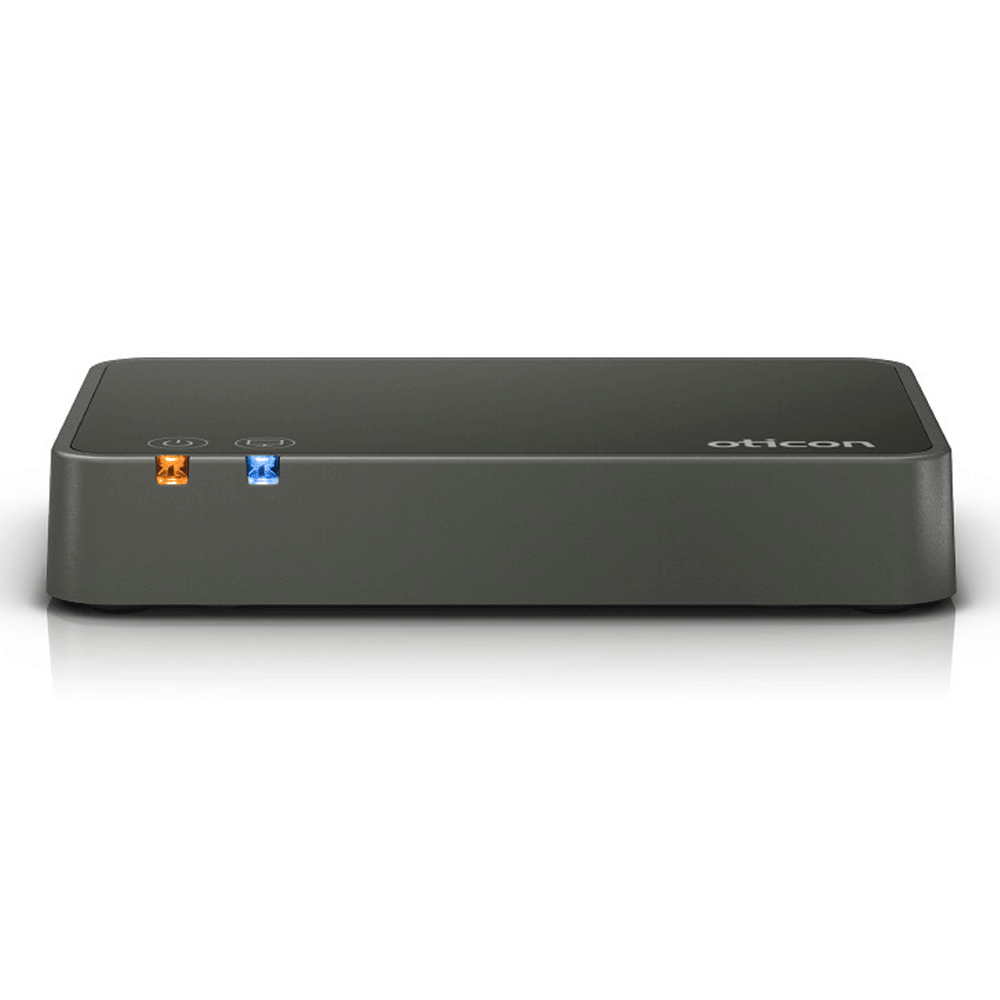
Oticon TV adaptor 3.0 for Oticon hearing aids and Ponto baha
 £125.00 (£104.17 ex VAT)
3OCONTV3
Oticon TV adaptor 3.0 for Oticon hearing aids and Ponto baha
-
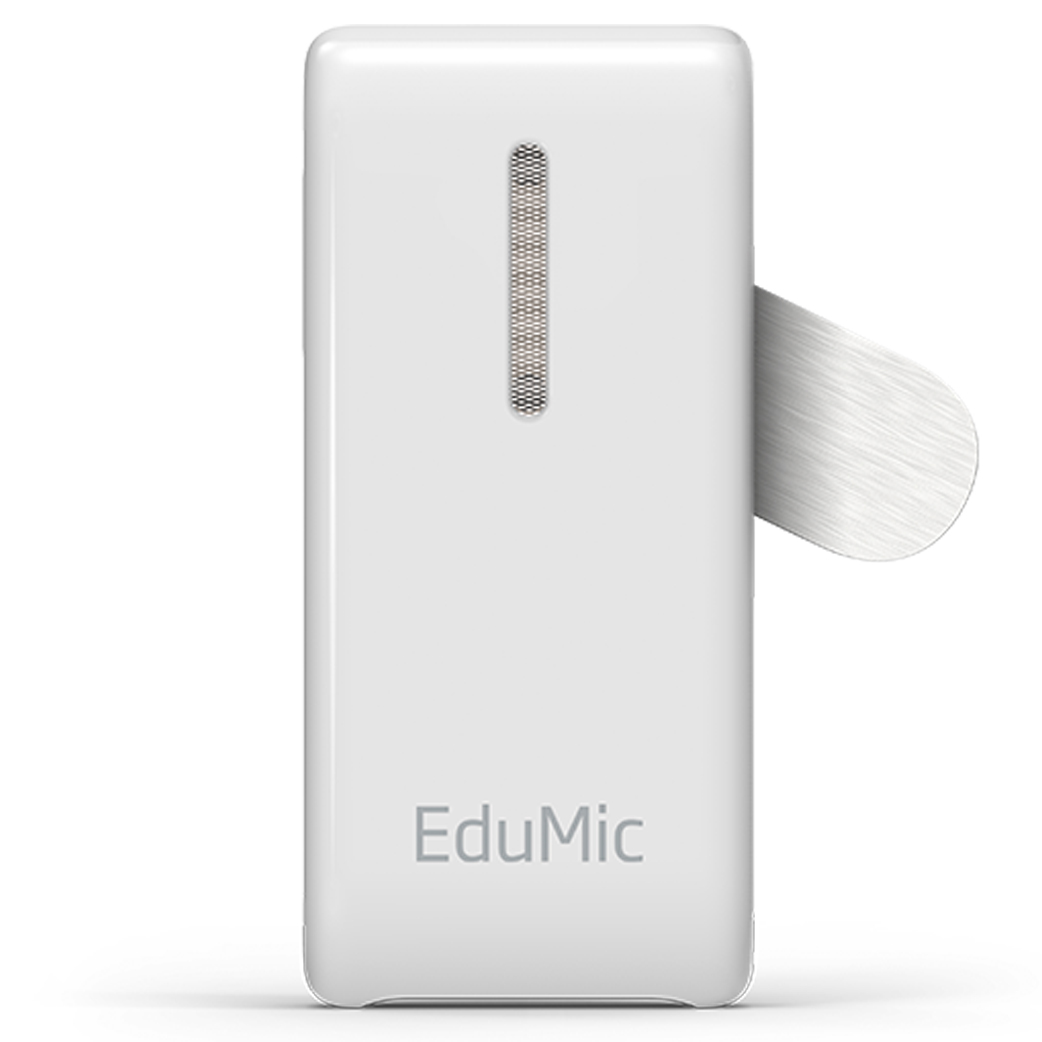
Oticon EduMic classroom remote microphone for Oticon hearing aids & Ponto BAHAs
 £372.00 (£310.00 ex VAT)
3OEDUMIC
Oticon EduMic classroom remote microphone for Oticon hearing aids & Ponto BAHAs
-
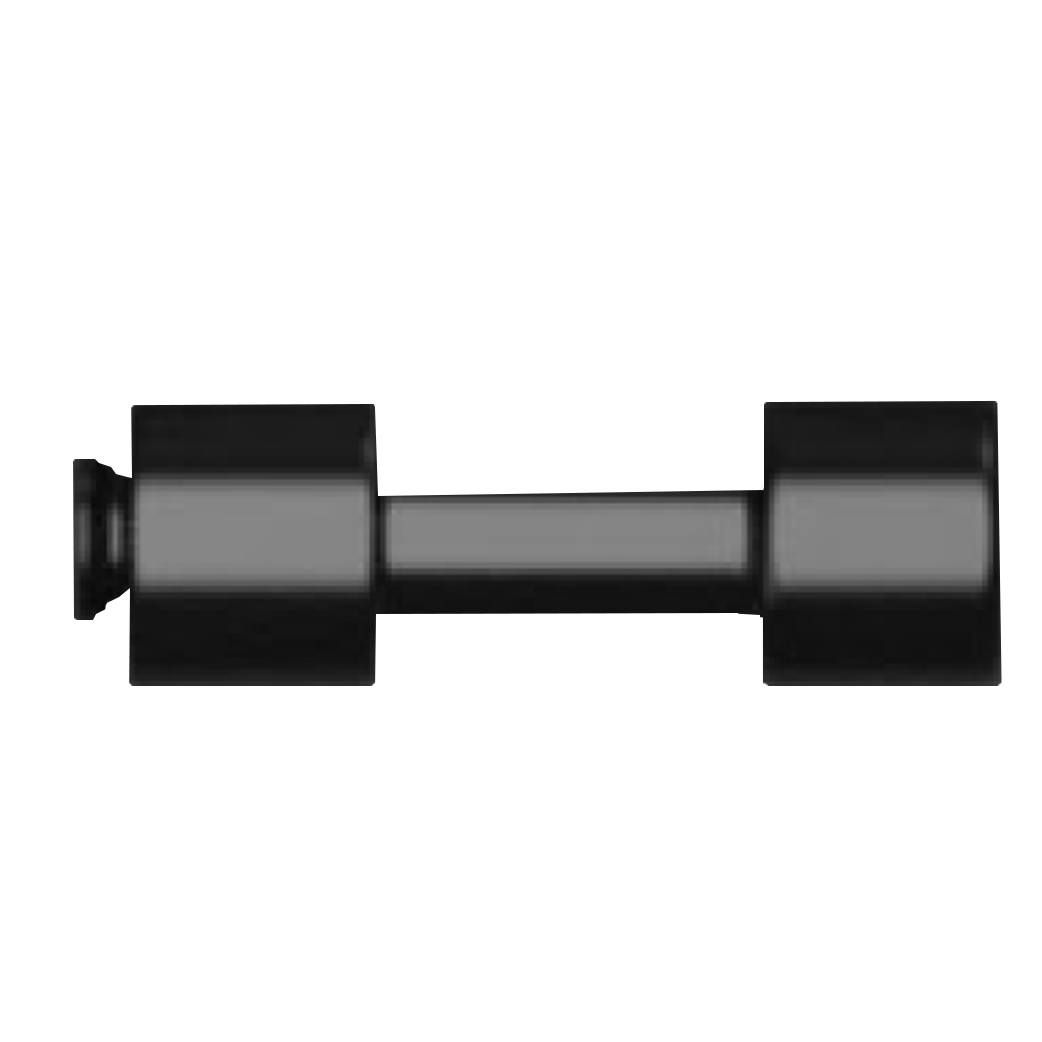
Oticon Medical Test Rod for Ponto
 £140.29 (£116.91 ex VAT)
DCOM50302
The test rod is used for listening to the sound processor without connecting it to an abutment. The same as the Cochlear ‘ bite bar’ it essentially transmits the output (vibrations) into the jaw which can then be picked up by the organ of hearing. This allows someone with ‘normal’ hearing to test or listen to a bone-conduction instrument without an abutment.
Our
MyHearingAid
information is now available in an app for your smartphone